
What I am experiencing quite often, it is a change – not necessarily a drop – in the performance landscape right after a major or minor update happens.
An update is a mix of different changes happening in one single event:
- Microsoft application changes and data upgrade. Every update takes several thousand lines of new code, sometimes (quite often) new objects or, at least, metadata changes. Especially during major updates, data could be changed or updated too due to new objects, new fields, new keys. Everything that is a metadata change, in short.
- AppSource app update and data update. Same as point 1. and 2. above but coming from ISV code. And this point is super relevant if you choose (and I would strongly recommend doing so) to update AppSource apps at every major and minor automatically.
- Microsoft platform changes. SaaS platform is ever evolving and sometimes announcements on major platform changes could also be introduced in minor cuts. To be honest, sometimes are introduced even without announcements. But the request to know exactly what Microsoft implements in the application and platform before and after is a never-ending story and not the argument of this post.
- New PTE changes. To adapt to the new changes, developers are publishing new versions of their PTEs that should be compatible with the destination version.
- A new infrastructure destination. When doing an update, the database is dismounted from the old application server and mounted into a new application server into a totally different hardware. New Azure VMs, new configurations, new neighborhoods (“Hi new neighborhoods, how are you? Hope you are not so noisy. I am the new environment on the block”). In shorts, a new infrastructure. You got my point here.
Depending on many factors, then, a major or minor update could be like a thunderstorm or simply just an ocean breeze in the performance landscape.
All in all, once per month, you are not getting asleep in the night since you do not know what to expect right after the update, the morning after.
(And if you have hundreds of customers, probably you are a daywalker).

How to effectively measure the changes between two updates (minor or major) within SaaS?
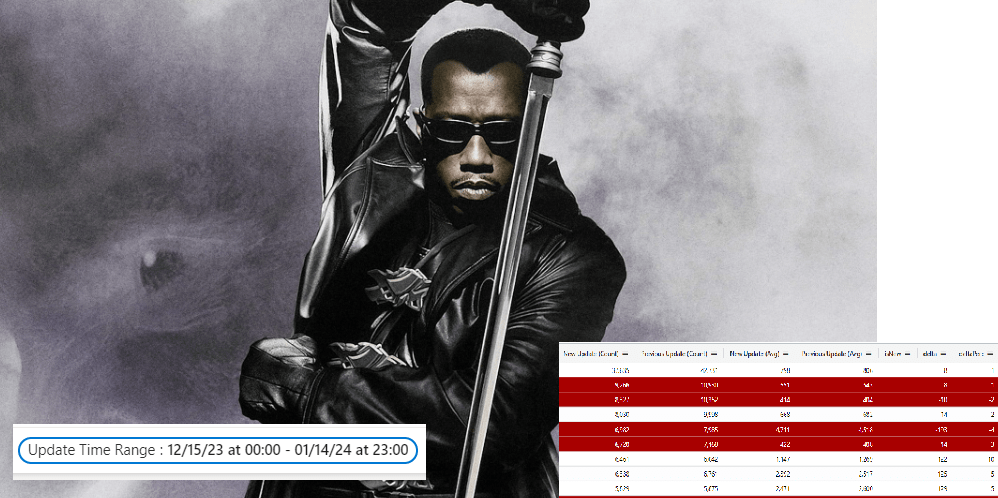
To have an overview of what is happening post update, I have prepared a new page in the Azure Data Explorer (ADE) dashboard we are typically using. With 3 tables:
- Page Views
- Long Runing AL Methods
- Long Running SQL Queries

You can find the 3 KQL queries in this GitHub repo: https://github.com/duiliotacconi/DT.Telemetry/tree/main/POST%20UPDATE
How to read them is quite simple.
Based on a specific date and time when the update happened, every query is
- Pivoting the number of execution and average duration before and after the update (at least, there must be 100 occurrences in the new update – but you can change the query at will -)
- Calculate delta duration between previous (e.g. 23.1) and new update (e.g. 23.2)
- Calculate delta % between previous and new update
- Mark New items that were not surfacing in previous period
What are you able to spot easily from these?
- New elements (Page Views, long running AL and/or SQL queries) that are now part of the new performance landscape. Just filter by isNew column with Yes value.

- Highlights. Elements that are performing better after the update. Just sort by Delta descending.

- Lowlights. Elements that are performing worse after the update. Just sort by Delta ascending.

You can export all of them in Excel or use the built-in ADE analysis mode to perform whatever check or data manipulation you want to.
Hope this could help you read and promptly react on any post-update performance landscape change, in a timely manner.
To me, it helped a lot demonstrate a heavy drop in performance post-update to Microsoft support.
ONE LAST THING.
From what I have noticed, the update move is removing from the memory equation the one that was ‘hot’ in the old application server. The day after the update happened, you might have a morning slowliness effect due to a cold service in relation of your environment typical activity. Give it at least one day or two to stabilize, unless you have a dramatic drop. Just a personal hint.
 Dynamics 365 Business Central tales, myths, legends. And something serious.
Leave a comment